
A starting point for the question at hand
Choose one of seven report templates. Financial statements use reviewed, classified accounting CSVs. Operational reports use the supported fields you map from your Ralti sheets.
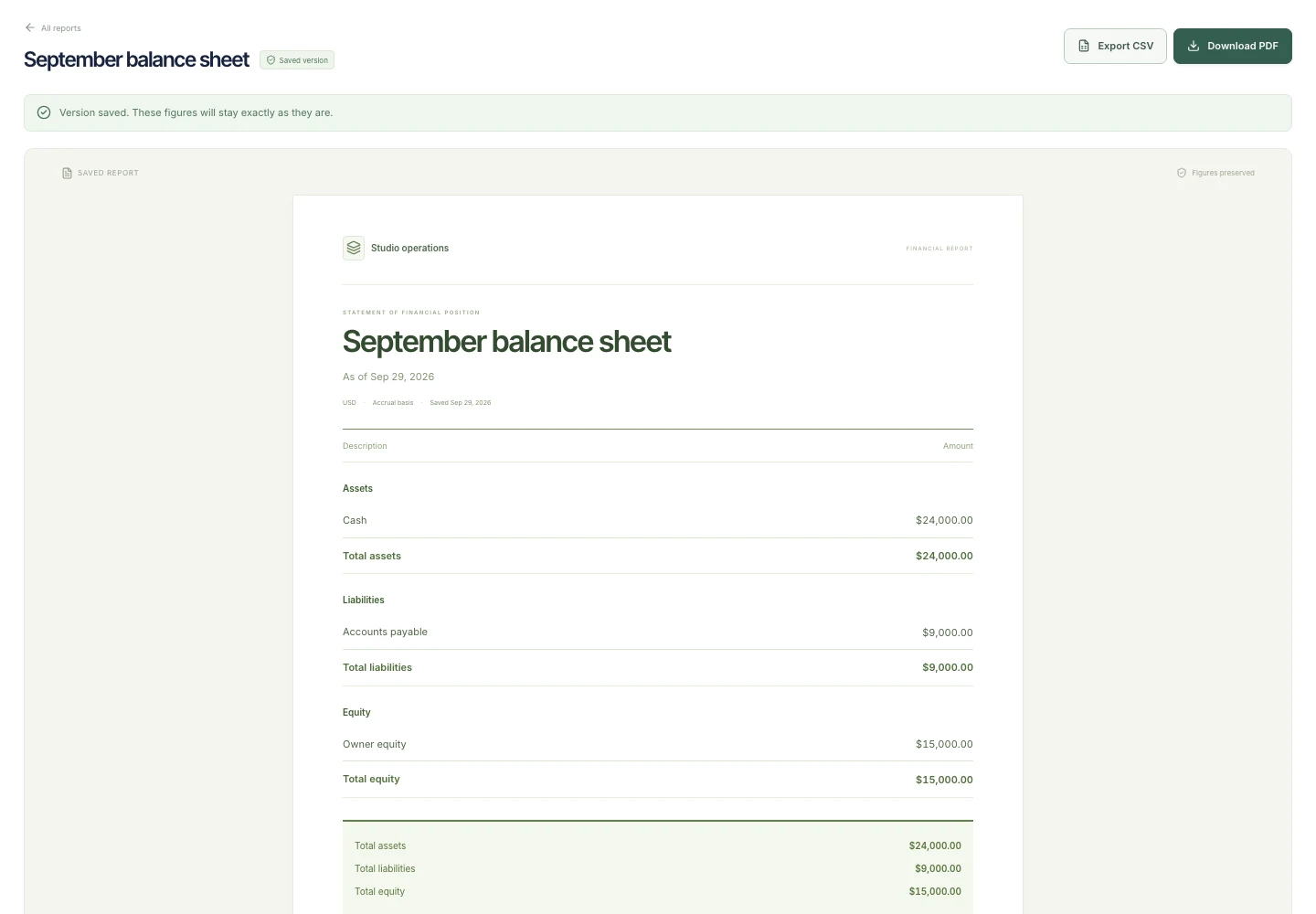
- Balance sheet — assets, liabilities, and equity at an as-of date
- Profit & loss — revenue, costs, expenses, and profit for a period
- Cash flow — operating, investing, and financing activity with opening and closing cash
- Receivables aging — current outstanding invoices and aging buckets
- Expense breakdown — recorded spending by category and date
- Project financials — current budgets, recorded costs, and remaining budgets
- Work summary — records grouped by status, with optional date filtering
Start with the source. Then trust the total.
Set the report’s dates and currency, import reviewed figures or map the supported sheet fields, and inspect the preview. Validation calls out missing mappings, inconsistent figures, and unsupported comparisons before you save a version.
- Financial checks include balance-sheet equality and cash-flow reconciliation
- Calculations use the complete authorized source dataset
- Supporting sheet records remain available for inspection
Save the setup. Preserve the result.
Save a setup to reuse the report’s source mapping, settings, and notes. Save a version when the result is ready. The version keeps its figures and context so you can return to that exact report later.
- Version history alongside each report
- PDF and CSV exports from the saved result
- Period comparisons where the report and source data support them
Let the next report come to you
Add a report step to a workflow. Choose a saved report setup, generate a version on a schedule, and route the next step to a teammate for review.
Live dashboards for the everyday picture
Dashboards answer what is happening now with metrics, charts, goals, tables, and record drilldowns. Reports give you a structured financial or operational output with a preserved version. Use both around the same work.
A little more clarity.
Does Ralti replace accounting software?
No. Balance sheets, profit & loss, and cash flow use accounting figures you have already classified and reviewed. Ralti does not post to a ledger, connect bank feeds, reconcile payments, or file taxes.
Can I recreate any past financial position from my current sheets?
No. Receivables aging and project financials describe current invoice, budget, and cost records. Choosing an earlier date does not reconstruct historical balances. Use appropriate source data and save versions as you work.
Can I combine currencies?
Reports use a selected reporting currency. Currency conversion and mixed-currency consolidation are not supported. Prepare consistent source figures before reporting.